Veska Console User Guide
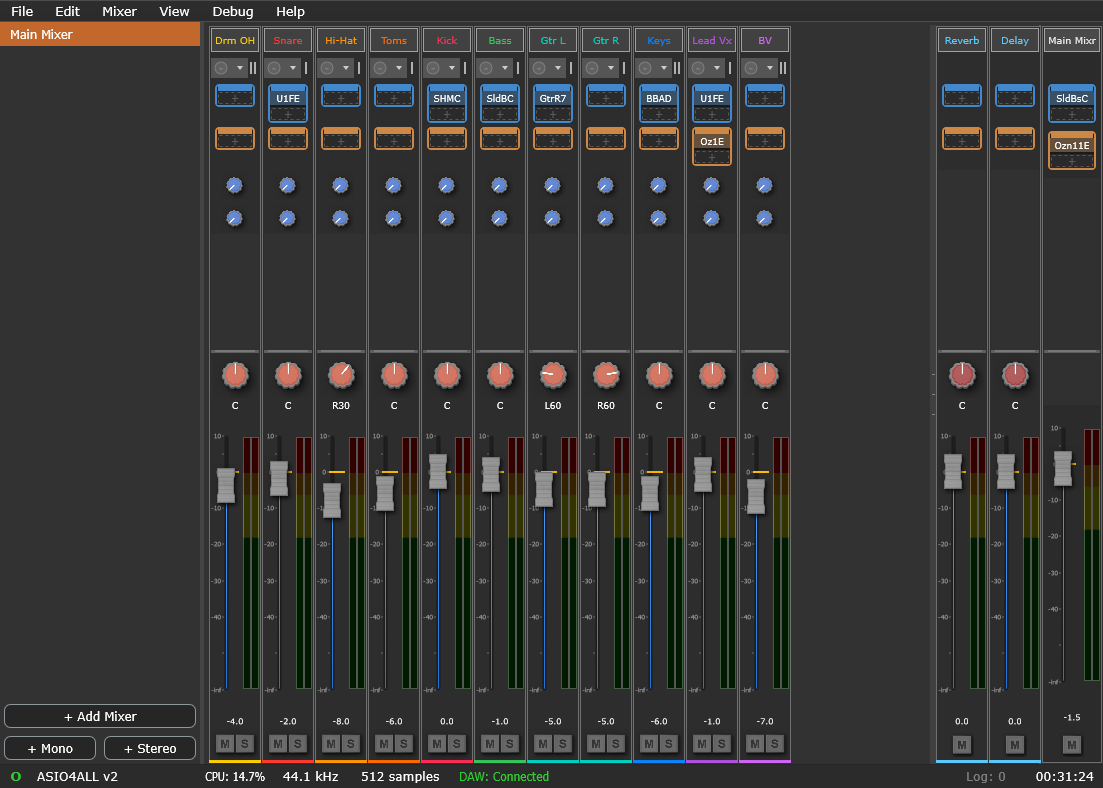
Veska (Veska Console) is a persistent software mixer that sits between your audio interface and your DAW, much like a large-format analogue console that stays patched while DAW sessions come and go. The Console owns the hardware and exposes a virtual ASIO driver your DAW connects to; your mixers, routing, levels, and inserts live in the Console and persist across DAW sessions.
This guide covers everything from first launch to DAW integration.
Contents
- Getting Started: what Veska is and a five-minute first run
- Installation: hardware setup and registering the virtual driver
- Interface Overview: panels, views, and the status bar
- Mixing Basics: channels, faders, pan, mute/solo, the main bus
- Controls Reference: every control's range and interactions
- Keyboard Shortcuts: the full shortcut list
- Routing: inputs, buses, and worked routing examples
- DAW Integration: connecting REAPER, Live, and other ASIO hosts
- Troubleshooting: common issues and fixes
- FAQ: quick answers
Applies to Veska Console v1.0. Windows 10/11, 64-bit.