Keyboard Shortcuts
All shortcuts are remappable in Preferences > Shortcuts. The defaults are
listed below.
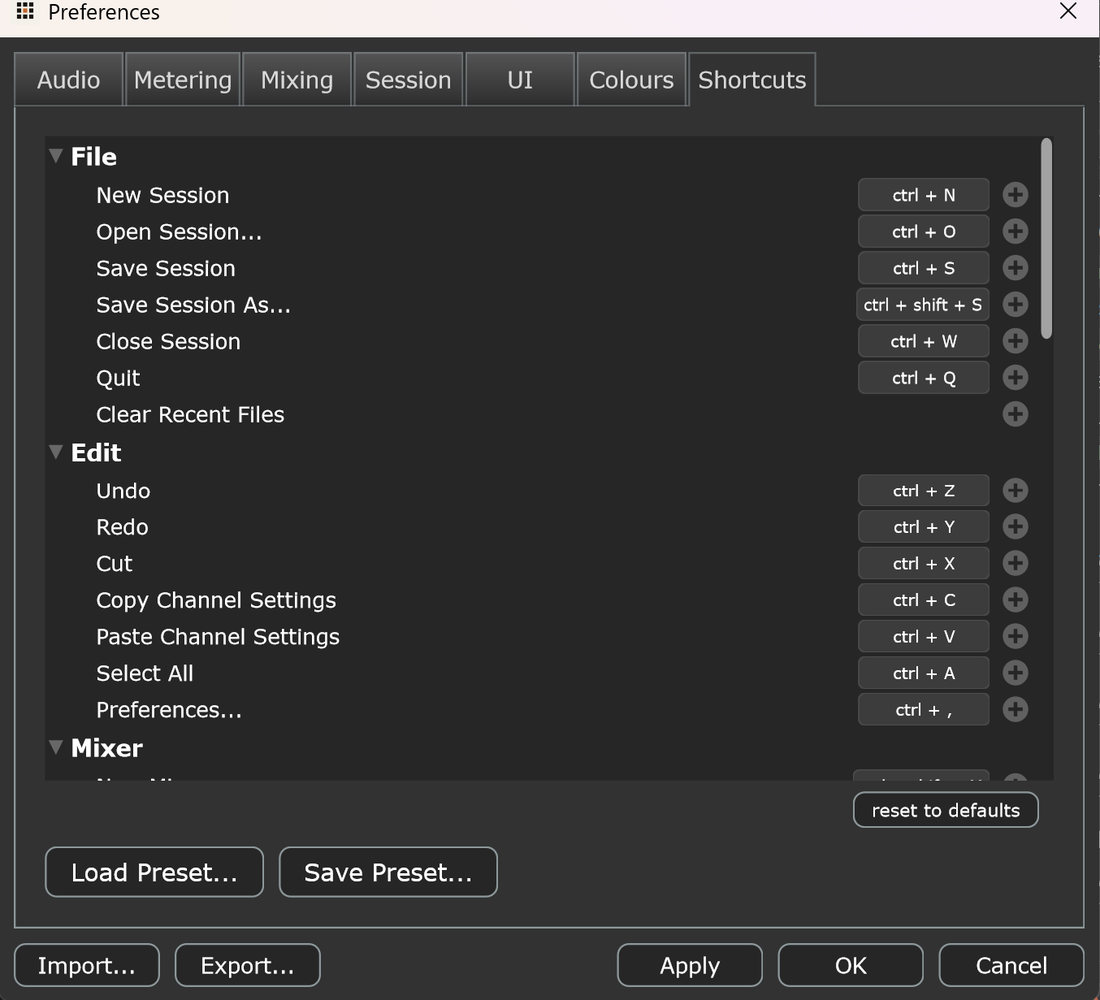
File
| Action | Shortcut |
|---|
| New session | Ctrl+N |
| Open session | Ctrl+O |
| Save session | Ctrl+S |
| Save session as | Ctrl+Shift+S |
| Close session | Ctrl+W |
| Quit | Ctrl+Q |
Edit
| Action | Shortcut |
|---|
| Undo | Ctrl+Z |
| Redo | Ctrl+Y |
| Cut | Ctrl+X |
| Copy channel settings | Ctrl+C |
| Paste channel settings | Ctrl+V |
| Select all | Ctrl+A |
| Preferences | Ctrl+, |
Mixer & channels
| Action | Shortcut |
|---|
| New mixer | Ctrl+Shift+M |
| Duplicate mixer | Ctrl+Shift+D |
| Duplicate channel | Ctrl+D |
| Rename (selected) | F2 |
| Delete (selected) | Delete |
| Select mixer 1–10 | Alt+1 … Alt+0 |
Channel controls (apply to the current selection)
| Action | Shortcut |
|---|
| Mute | M |
| Solo | S |
| Set fader to unity (0 dB) | 0 |
| Nudge gain −1 dB | - |
| Nudge gain +1 dB | + (or =) |
| Pan hard left | L |
| Pan centre | C |
| Pan hard right | R |
These are plain (unmodified) keys, they act on the selected channel(s) when the
mixer has focus and you're not editing a text field.
View & help
| Action | Shortcut |
|---|
| Mixer / Routing / Hardware / DAW view | Ctrl+1 … Ctrl+4 |
| Toggle fullscreen | F11 |
| Documentation | F1 |