How to use your Fourays
Fourays is a standards compliant USB MIDI device. Just plug in to your DAW and start sending notes as you would any other hardware synthesizer.
Default configuration
Each chip has 3 voices, one envelope generator and one noise generator. Each chip has three audio outputs and three gate outputs. The mapping of voices to outputs and gate pins is fixed and cannot be changed.
Controls
The envelope and noise generators are controlled using MIDI note key switches and CC messages. These settings control how the envelope generator affects each voice, the character of the noise generator and which outputs it is connected to.
| Chip | Control channel | Envelope period CC | Noise mode | Noise period CC |
|---|---|---|---|---|
| 1 | 2 | 15 | CC | 16 |
| 2 | 3 | 15 | CC | 16 |
| 3 | 4 | 15 | CC | 16 |
| 4 | 5 | 15 | CC | 16 |
The noise generator periods can also be controlled using note value or by note velocity.
Key switches
The key switches operate by playing a note with velocity > 63 to turn a function on, and with velocity <= 63 to turn a function off. The notes should be played on the chip's control channel. The functions are:
| MIDI Note | Function |
|---|---|
| 1 (C#-1) | Envelope for voice A |
| 2 (D-1) | Envelope for voice B |
| 3 (D#-1) | Envelope for voice C |
| 4 (E-1) | Envelope HOLD mode |
| 5 (F-1) | Envelope ALTERNATE mode |
| 6 (F#-1) | Envelope ATTACK mode |
| 7 (G-1) | Envelope CONTINUE mode |
| 8 (G#-1) | Noise mix with voice A |
| 9 (A-1) | Noise mix with voice B |
| 10 (A#-1) | Noise mix with voice C |
The key switch note assignments cannot be changed.
Voices
By default all 12 voices are assigned to channel 1, and Fourays performs in polyphonic mode. Each voice can be independently transposed and detuned using CC messages on channels 2 through 13 by default.
| Chip/ Voice | Note channel | Control channel | Transpose CC | Detune CC | Filter CC* |
|---|---|---|---|---|---|
| 1 / A | 1 | 2 | 13 | 14 | 12 |
| 1 / B | 1 | 3 | 13 | 14 | 12 |
| 1 / C | 1 | 4 | 13 | 14 | 12 |
| 2 / A | 1 | 5 | 13 | 14 | 12 |
| 2 / B | 1 | 6 | 13 | 14 | 12 |
| 2 / C | 1 | 7 | 13 | 14 | 12 |
| 3 / A | 1 | 8 | 13 | 14 | 12 |
| 3 / B | 1 | 9 | 13 | 14 | 12 |
| 3 / C | 1 | 11 | 13 | 14 | 12 |
| 4 / A | 1 | 11 | 13 | 14 | 12 |
| 4 / B | 1 | 12 | 13 | 14 | 12 |
| 4 / C | 1 | 13 | 13 | 14 | 12 |
* Filter CC applies only if your Fourays has the VCF circuits included.
Setting your configuration
Use the push buttons on your Fourays to navigate through the configuration options and set them to your liking.
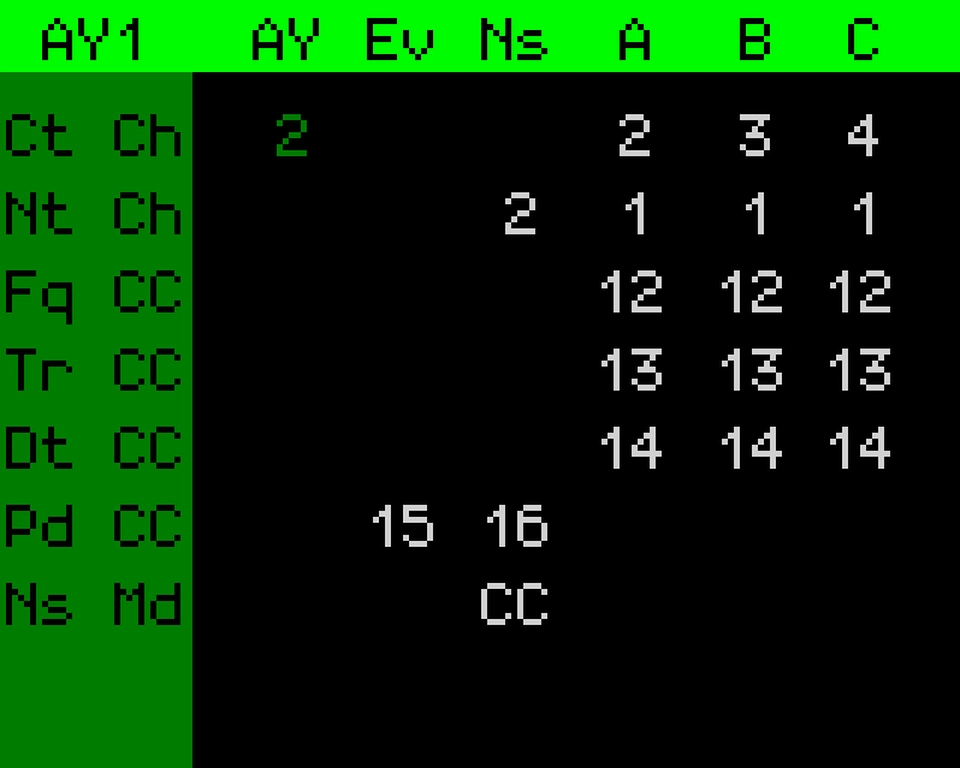
| Config name | Full name |
|---|---|
| Ct Ch | Control channel |
| Nt Ch | Note channel |
| Fq CC | Filter frequency CC |
| Tr CC | Transpose CC |
| Dt CC | Detune CC |
| Pd CC | Period CC |
| Ns Md | Noise mode |
| Noise mode | Full name |
|---|---|
| CC | Continuous controller |
| Nt | Note |
| Vl | Velocity |
| Device name | Full name |
|---|---|
| Ev | Envelope generator |
| Ns | Noise generator |
| A | Voice A |
| B | Voice B |
| C | Voice C |
You can store up to 8 configuration presets and recall these either using the push buttons or via MIDI program change messages.
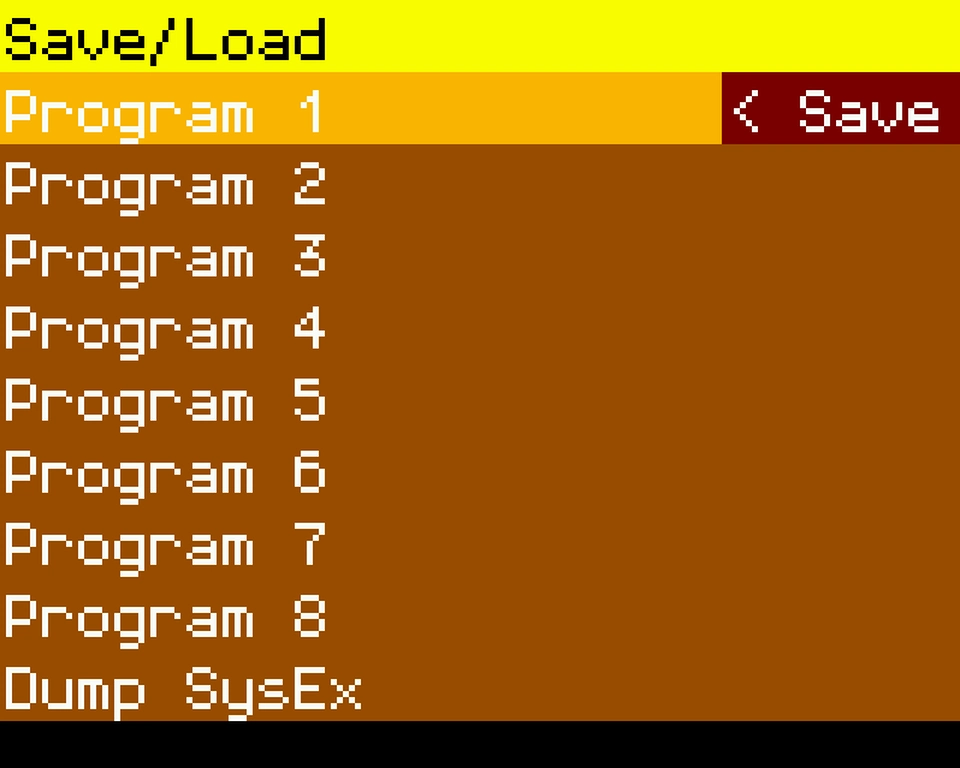
Program change numbers 1 to 8 map to the save slots.
Exporting your configuration
You can dump your current configuration via MIDI SysEx message using the push buttons.
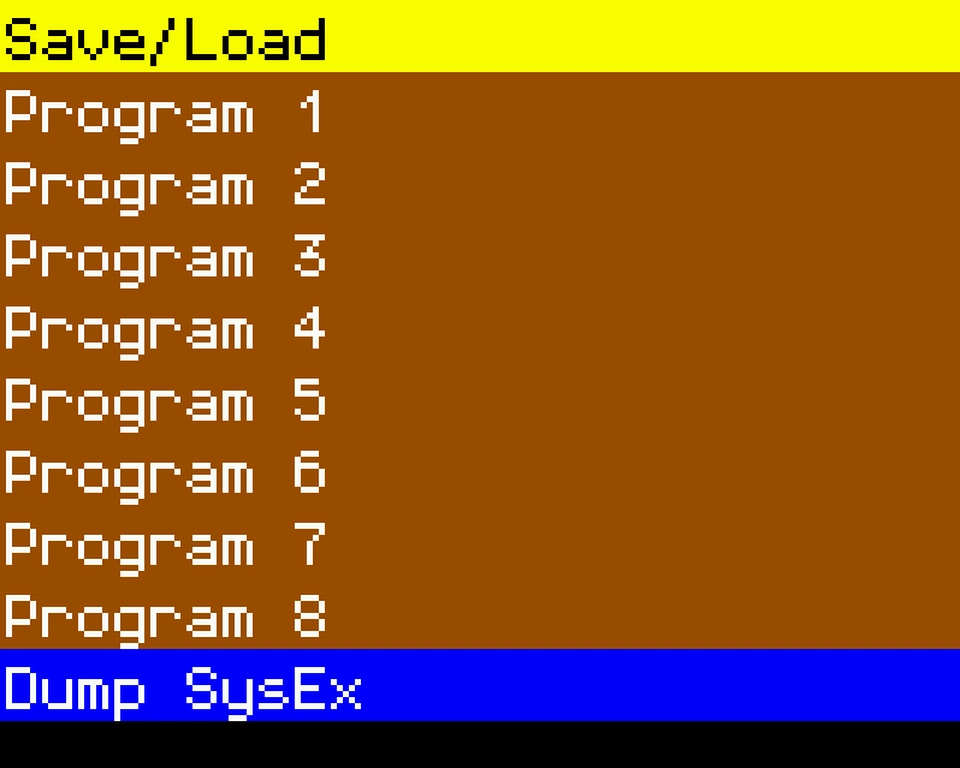
Fourays will also respond to being sent the same MIDI SysEx data back and will immediately use that configuration.
Firmware updates
See this page.